Modules / Construction
From quote to invoice,
in one module.
Quotes, labour, equipment, invoices and progress tracking. Built for contractors who still quote in Excel.
- ✓ 13 sections
- ✓ Dedicated client portal
- ✓ Ready to use
Who it’s for
Built for the people who run job sites.
Each role sees only what it needs.
Owners
See quotes going out, invoices coming in, margin per job. Decisions on numbers, not gut feel.
Foremen
Log attendance, capture supplier invoices, sign equipment in and out. From the phone, on the site.
End clients
Get their own portal to track photos, invoices and progress. Fewer phone calls, fewer messages.
Included in the module
Thirteen sections, one module.
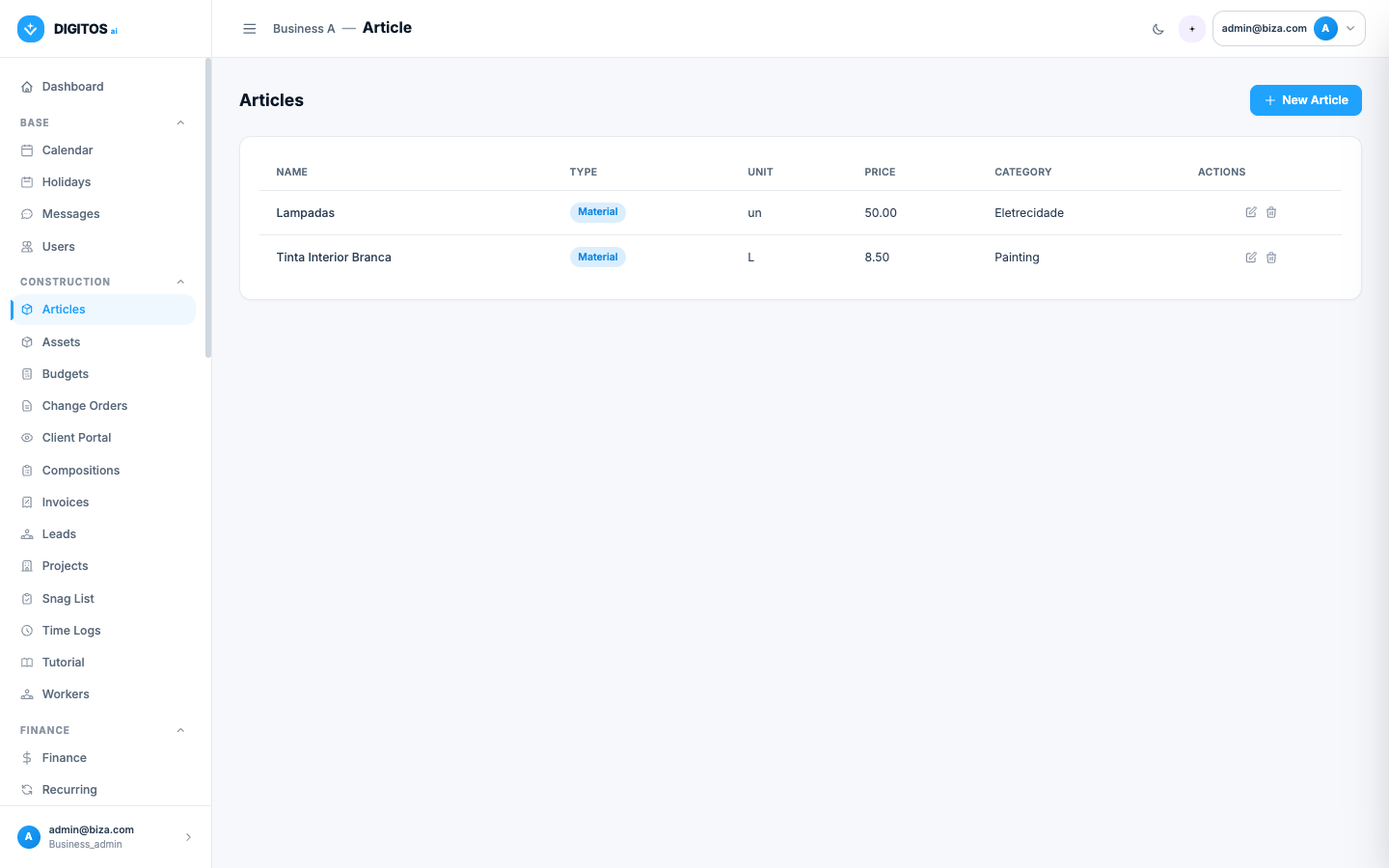
Articles
Catalog of materials and labour with unit price and category.
Compositions
Reusable recipes that combine articles. The basis of every quote.
Projects
Each job with its own client, address, dates and difficulty coefficients.
Budgets
Auto-generated from compositions, with user-defined margin.
Invoices
Issue VAT invoices straight from the quote. Track collection.
Change orders
Formal records of progress, signed off by the client.
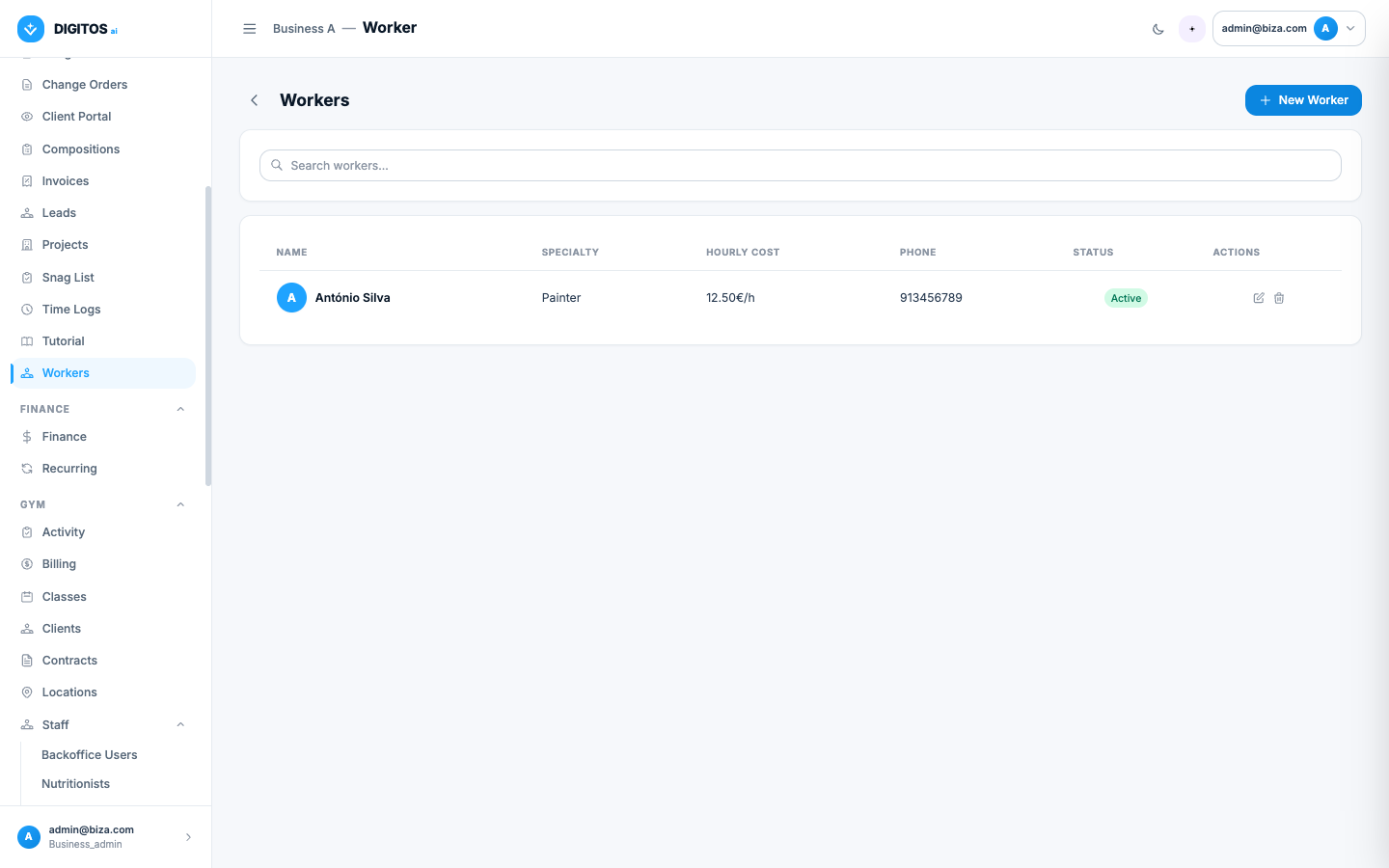
Workers
Crew with specialty and hourly internal cost. Assign to projects.
Time logs
Hours worked per job. Cross-checked against internal cost.
Assets
Vehicles, tools, scaffolding. Custody, maintenance, inspections.
Leads
Quote requests by channel — before they become a job.
Snag list
Defect lists and pre-handover checklists, with photos per entry.
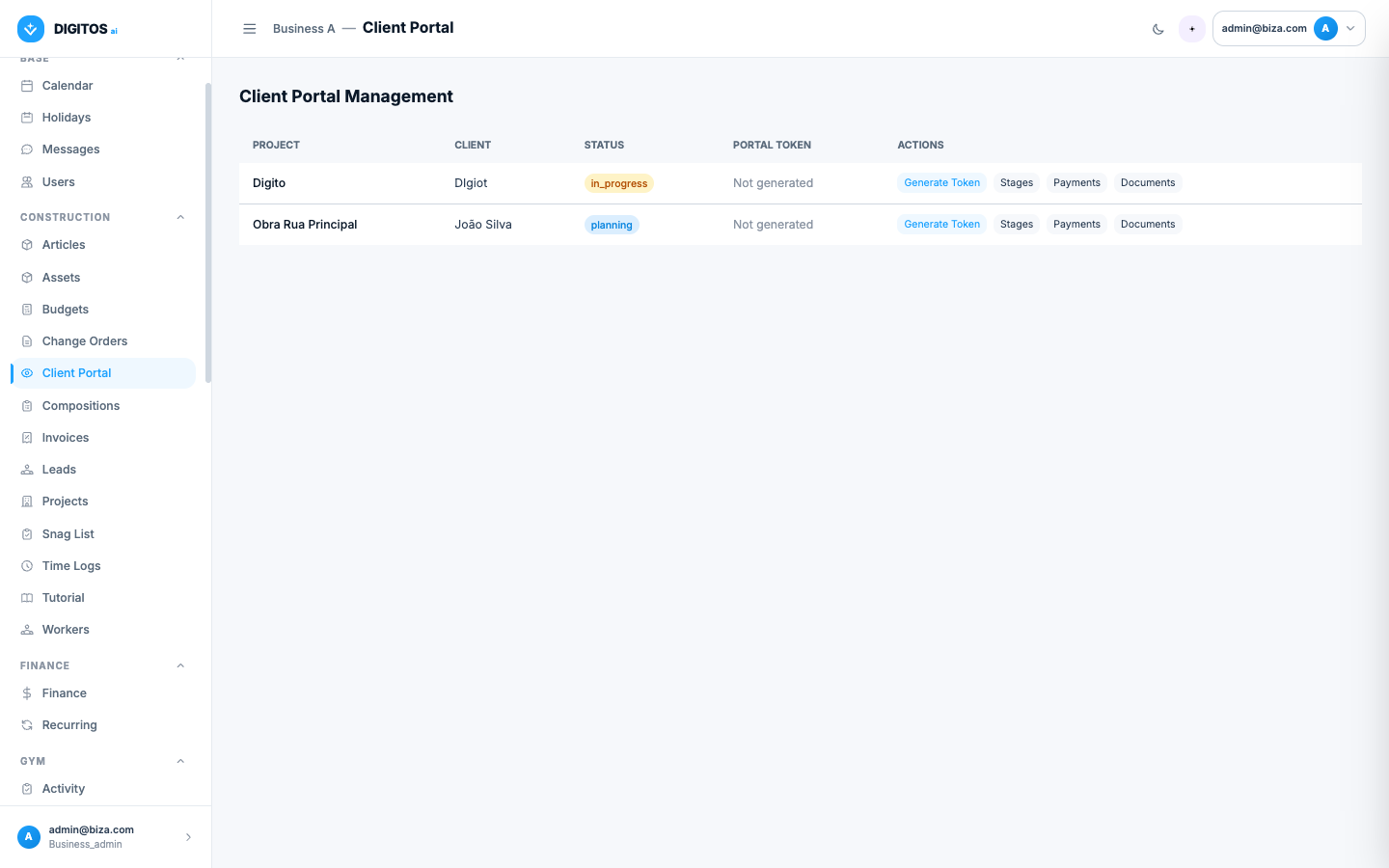
Client portal
Clients track photos, invoices and progress on their own portal.
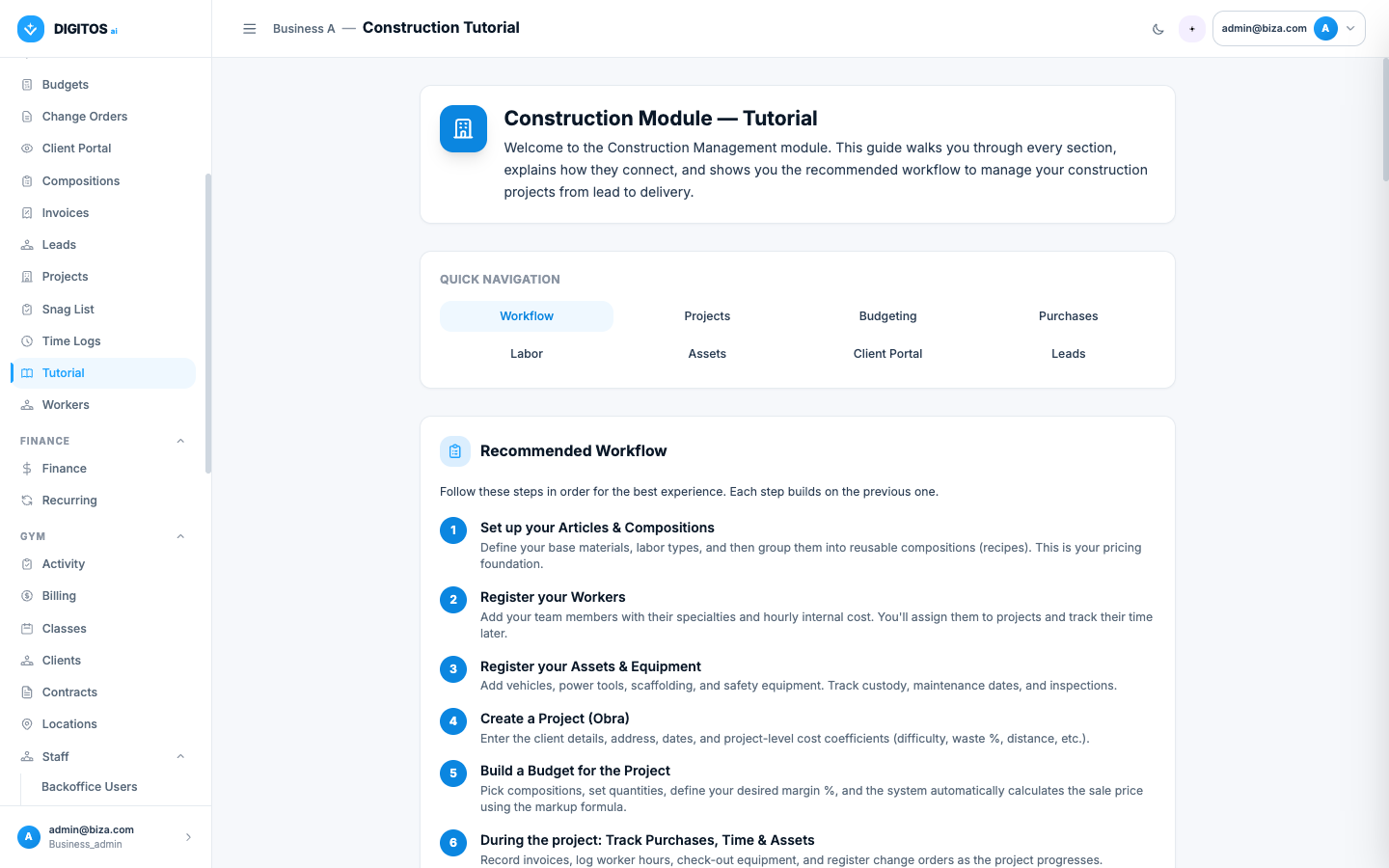
In-app tutorial
Step-by-step guide inside the app. New crew gets up to speed fast.
In action
How a construction company uses it.
Workflow 01
Quote in hours, not days.
Define compositions once (e.g. "m² of tiling", "m³ of concrete"). On each job, pick the compositions, adjust quantities, and the margin is applied automatically to land on the sale price.
- Reusable compositions with markup formula
- Per-job difficulty coefficients
- Direct PDF export for the client
Workflow 02
Purchases and hours captured on site.
The foreman captures the supplier invoice, logs worker hours and signs equipment out — all from the phone. Every cost lands on the right job automatically.
- Photograph the supplier invoice
- Hours logged per job
- Equipment custody with date and owner
Workflow 03
Clients track progress without calling.
Each client gets their own link to follow the job: progress photos, invoices issued, percentage complete. It cuts down on calls and stops the "how’s the job going?" WhatsApp messages.
- Client portal with dedicated login
- Auto-published progress with site photos
- Invoices and payments visible to the client
Web + Mobile
In the office and on the site.
The backoffice on the laptop for management. The responsive interface on the phone for the foreman on site — logging hours, photographing invoices, signing equipment in and out.
- Real-time sync between web and mobile
- Works in any modern browser
- Toast notifications confirm every action
- No installation — just a URL and a password
[ Desktop + phone preview ]
Frequently asked questions
About the Construction module.
Can I activate only the sections I need?
Yes. All 13 sections are optional and billed individually. Smaller firms typically start with Articles, Compositions, Projects and Budgets.
Are quotes compatible with Portuguese VAT?
Yes. Quotes and invoices support 6%, 13% and 23% VAT, with margin applied before VAT. Export to a formatted PDF.
How does the client portal work?
Each end client gets a login to a portal of their own. They see job progress, photos, invoices issued and payment status — never any other client’s data.
Can the foreman work from a phone?
Yes. The whole interface is responsive — works in any modern browser without installation. Foremen log hours, photograph invoices and sign equipment in and out from the site.
Can I track margin per job?
Yes. Each job collects direct costs (materials, labour, equipment) cross-referenced with billing. Margin is calculated in real time.
Is there a tutorial inside the app?
Yes. The "Tutorial" section walks the team through the recommended workflow — from setting up the article catalog to issuing the first quote.
Ready to take the job site out of Excel?
A 30-minute demo. We’ll show the Construction module with data that looks like yours.